What Can ChatGPT Do? A Complete Beginner's Guide to Writing, Search, Images, Voice, and File Analysis
Wondering what ChatGPT can actually do? This beginner-friendly guide covers writing, summaries, translation, web search, image generation, voice chats, file analysis, learning, customization, and the difference between free and paid plans.
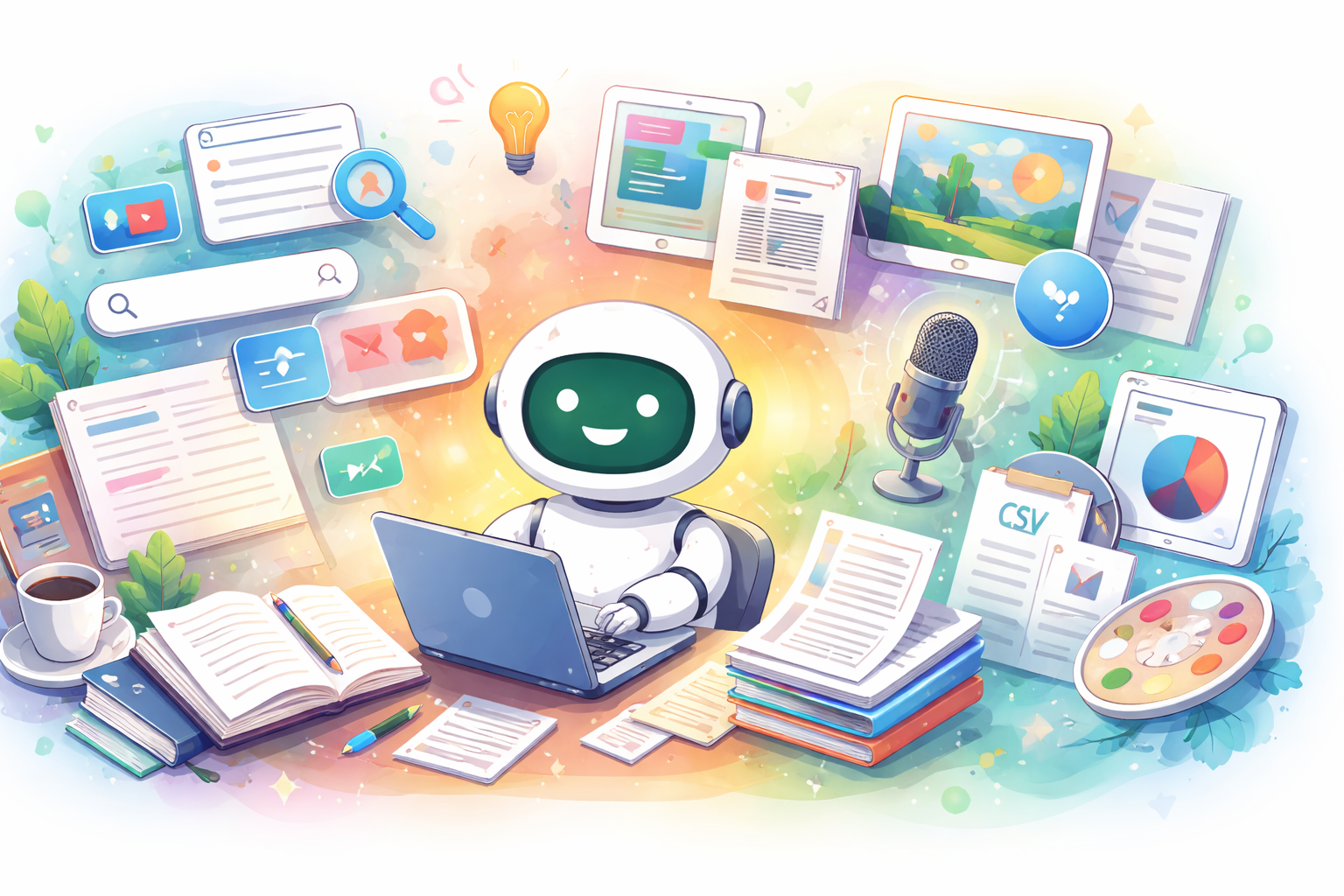
If you have ever wondered, "What can ChatGPT actually do?" you are not alone. Many people assume it is just a chatbot for simple questions, but ChatGPT is much broader than that. It can help with writing, summaries, translation, web research, image generation, voice conversations, file analysis, learning, and everyday work.
It is also evolving quickly. Features can vary by plan, device, and region, but the big picture is clear: ChatGPT is a multi-purpose AI assistant that helps you think, create, organize, and move faster. In this guide, I will break down what ChatGPT can do, where it is most useful, and what you should still double-check yourself.
What ChatGPT Can Do at a Glance
At its core, ChatGPT is an AI assistant you can work with through conversation. Instead of opening separate tools for every task, you can often draft, revise, research, summarize, and organize in one place.
Main things ChatGPT can do
- Answer questions
- Draft, rewrite, and shorten text
- Brainstorm ideas and outlines
- Translate and paraphrase
- Help with studying and explanations
- Read tables, documents, screenshots, and images
- Analyze uploaded files
- Search the web for current information
- Generate and edit images
- Talk with you by voice
- Organize long-running work with memory, projects, and custom setups
Where ChatGPT is strong
- It connects multiple tasks in one workflow
- It is easy to use, even for beginners
- It handles text, images, audio, and files in one interface
- It improves quickly when you ask follow-up questions
Where you still need to be careful
- It can sound confident and still be wrong
- Current information may be incomplete without web search
- Vague prompts usually lead to vague answers
- Important decisions still need human review
In practice, ChatGPT works best when you treat the first answer as a draft, not a final product. Simple follow-ups like "make it shorter," "rewrite this for beginners," or "give me three better options" usually improve the result a lot.
How Good Is ChatGPT at Writing, Summaries, and Translation?
This is still one of ChatGPT's most useful areas. It can help with blog posts, emails, social posts, proposals, meeting notes, product descriptions, and more.
What ChatGPT can do for writing
- Draft a blog post outline
- Rewrite an email in a more polite tone
- Turn rough bullet points into smooth paragraphs
- Simplify long or awkward sentences
- Suggest SEO-friendly headlines
- Shorten content for social media
What ChatGPT can do for summaries
- Condense long articles into key points
- Explain difficult topics in plain language
- Turn meeting notes into a clean summary
- Pull out conclusions and action items
What ChatGPT can do for translation
- Translate Japanese to English
- Translate English to Japanese
- Adjust tone for business or casual use
- Rewrite content for children or beginners
Why this works so well
- You do not have to start from a blank page
- You can compare several phrasings quickly
- It is easy to match tone, length, and audience
What to watch for
- Facts can be wrong if you do not verify them
- Generic output can make your writing feel less personal
- Specialized topics may sound polished but remain shallow
Best practices
- Check names, numbers, dates, and citations
- Add your own experience, opinion, or expertise before publishing
- Tell ChatGPT the audience, goal, tone, and word count up front
Instead of saying "write everything for me," give it structure. A prompt like "Write a 500-word beginner-friendly article with headings and a calm tone" will usually get you much closer to something useful.
Can ChatGPT Search the Web and Check Current Information?
Yes, it can. With web search available, ChatGPT can help you research current topics, compare products or services, and gather sources more efficiently than a basic one-line search.
Useful research tasks
- Check recent news or announcements
- Compare products, tools, or services
- Find official sources faster
- Narrow a search with specific conditions
Where deeper research helps
- Breaking down a complex topic step by step
- Combining multiple sources into one report
- Researching across the public web, specific sites, or connected tools
Why people like using it for research
- Search and summarization happen in one flow
- It is easy to ask follow-up questions
- It can save time when you are gathering and organizing information
Limits and cautions
- You still need to check the source, date, and context
- Niche topics can produce thin or biased coverage
- Medical, legal, financial, and other high-stakes topics require primary-source verification
Traditional search engines are great at helping you find pages. ChatGPT becomes especially useful after that point, because it can help you find, compare, and organize what you discover.
Can ChatGPT Generate, Edit, and Understand Images?
Yes. ChatGPT is not limited to text. Depending on your plan and tools, it can generate images, edit existing ones, and explain what is happening in a photo, chart, or screenshot.
What ChatGPT can do with image generation
- Create blog header images
- Make visuals for social media
- Generate illustrations in a specific style or mood
- Create concept art or rough creative directions
What ChatGPT can do with image editing
- Change part of an existing image
- Remove unwanted objects
- Add new elements
- Adjust color, mood, or composition
What ChatGPT can do with image understanding
- Describe the contents of a photo
- Help interpret charts and diagrams
- Explain what is happening in a screenshot
- Support document image review
Why it is useful
- It makes abstract ideas easier to visualize
- It is fast for rough drafts and first concepts
- You can refine the result through conversation
What to watch for
- Fine details may be inaccurate
- Text inside images can break or look odd
- It should not be used for identity verification, authenticity checks, or diagnosis
Image tools are often strongest as a fast draft engine, not as a final authority. They are great for blog visuals, rough layouts, creative exploration, and quick idea testing.
Can ChatGPT Handle Voice Conversations and Audio Summaries?
Yes. You can talk to ChatGPT directly by voice, and you can also use it to transcribe and summarize recordings.
What voice conversations are good for
- Asking questions hands-free
- Practicing pronunciation
- Organizing ideas while walking or commuting
- Thinking through problems in a more natural way
What audio summaries are good for
- Summarizing meetings
- Cleaning up voice memos
- Turning brainstorm sessions into clear notes
Benefits
- Speaking can be faster than typing
- It is useful for thought organization
- It can cut down post-meeting cleanup time
Limitations
- Names and technical terms may be misheard
- Noisy environments can reduce accuracy
- Sensitive recordings need careful handling
Best practices
- Check important quotes against the original audio
- Review transcripts before sharing them
- Confirm policy and privacy rules before using confidential material
Voice is most valuable when you use it to move quickly and think out loud. It is less about perfect transcription and more about turning spoken information into something you can actually use.
Can ChatGPT Read PDFs, Word Docs, and Spreadsheets?
Yes. ChatGPT can help summarize documents, compare files, and analyze data from spreadsheets and similar formats.
What ChatGPT can do with documents
- Summarize PDFs
- Pull out key points from contracts or policies
- Compare multiple documents
- Analyze tone and clarity
- Suggest improvements for proposals or drafts
What ChatGPT can do with data files
- Organize CSV or spreadsheet data
- Create charts
- Help with regression or scenario analysis
- Flag missing values or outliers
Why this is useful
- It speeds up the first pass through large files
- It reduces the setup work before deeper analysis
- It helps you spot issues and structure your thinking
What to watch for
- The meaning of a table still requires human judgment
- Bad source data leads to bad analysis
- Some file formats are easier to read than others
Best practices
- Verify important numbers in the original file
- Check your rules for confidential or internal documents
- Review charts and conclusions before using them in real decisions
In day-to-day work, this is one of ChatGPT's most practical strengths. It is not just about "doing the analysis" for you. It is often most helpful for reducing the tedious prep work around analysis.
Can You Use ChatGPT for Studying and Learning?
Absolutely. ChatGPT can act like a flexible tutor by adjusting explanations to your level, generating practice questions, and helping you understand why something works.
Good ways to use ChatGPT for learning
- Break down confusing terms into simpler language
- Change explanations to match your school level
- Generate practice questions
- Ask for feedback on your answers
- Organize memorization points or review notes
Benefits
- Explanations can be adjusted to your level
- You can ask again as many times as you need
- It can feel easier to ask "basic" questions without embarrassment
Risks
- A clear explanation can still contain mistakes
- Memorizing unsupported claims is risky
- It can make it too easy to copy homework without understanding it
Best practices
- Confirm important points with textbooks or class materials
- Ask for the reasoning, not only the answer
- Try solving the problem yourself first
For learning, ChatGPT is better as a study partner than an answer machine. The most valuable use is often asking, "Why is this true?" or "Explain the logic step by step."
Can You Customize ChatGPT for Your Own Workflow?
Yes. One of the biggest reasons ChatGPT becomes more useful over time is that you can shape it around how you work. Common features include Custom Instructions, Memory, Projects, and GPTs.
What Custom Instructions can do
- Set a preferred tone and response format
- Share background information about yourself
- Reduce repetitive setup in every new chat
What Memory can do
- Remember your recurring preferences
- Make future conversations more personalized
- Be reviewed, deleted, or turned off when needed
What Projects can do
- Keep related chats, files, and instructions together
- Maintain context across longer tasks
- Make repeated work easier to manage
What GPTs can do
- Create dedicated AI helpers for specific tasks
- Combine instructions, knowledge, and tools
- Separate setups for learning, work, support, or hobbies
Why customization matters
- You spend less time repeating yourself
- Results often become more consistent
- Long-term use becomes smoother and more efficient
What to watch for
- Old assumptions can lead to bad output
- Too many rules can make responses rigid
- Personal or sensitive data should be handled carefully
If you plan to use ChatGPT often, customization is worth learning early. Even a simple setup can make the experience feel less generic and much more useful.
Free vs Paid ChatGPT: What Changes?
ChatGPT can be useful on the free plan, especially if you are just getting started. But the more seriously you use it, the more likely you are to notice the value of paid plans.
What the free version is good for
- Basic conversations
- First steps in writing and summarization
- Trying some multimodal features with limits
- Getting a feel for how ChatGPT fits into your workflow
What paid plans usually improve
- Higher usage limits
- Broader access to advanced tools and models
- More room for file work, image work, and voice features
- Better support for ongoing or professional use
Important note
Feature availability changes over time and can vary by plan, device, and region. The most practical way to think about it is this: the free version is enough to learn the basics, while paid plans are better for heavier, more regular use.
Who ChatGPT Is Best For
ChatGPT is a good fit if you
- Write, edit, or organize information often
- Want to research more efficiently
- Need help studying or explaining things
- Like brainstorming ideas before acting on them
- Work with documents, notes, or files regularly
ChatGPT is a poor fit if you
- Want a perfect answer on the first try every time
- Plan to publish output without fact-checking
- Want AI to make final judgments for you
The people who get the most value from ChatGPT usually treat it like a smart assistant, not a magic machine. It is best at helping you think faster, organize better, and test ideas quickly.
Tips for Getting Better Results from ChatGPT
Simple ways to ask better questions
- Start with your goal
- Say who the audience is
- Specify the length
- Ask for bullet points or paragraphs
- Request examples
- Fix one issue at a time instead of everything at once
Prompt examples you can use right away
- Explain this in simple terms for a beginner.
- Summarize this in 200 words.
- Rewrite this as a polite business email.
- Give me three headline options optimized for SEO.
- Separate the pros and cons clearly.
- Rewrite this so a middle school student can understand it.
Final reminders
- Check important claims against primary sources
- Double-check names, numbers, legal points, and medical information
- Treat the output as a draft unless you have verified it
The more clearly you define the task, the better ChatGPT usually performs. A small amount of prompt structure often makes a surprisingly large difference.
Final Thoughts
So, what can ChatGPT do? Quite a lot. It can help with writing, summaries, translation, web research, image generation, image understanding, voice conversations, audio summaries, file analysis, learning, and long-running work through features like memory, projects, and custom setups.
If you are just starting out, this is a simple order to try:
- Use it once for writing or summarizing
- Next, try web research or file analysis
- Then explore images or voice
- If you use it often, set up customization features for your workflow
ChatGPT can feel overwhelming at first because it covers so many use cases. But the first step is simple: bring it one real problem you have today and see how much faster you can move with a good assistant beside you.