How to Use ChatGPT to Write Polite Emails Without Sounding Cold or Too Formal
Learn how to use ChatGPT to rewrite emails in natural, polite English, with practical prompts for follow-ups, refusals, apologies, and workplace messages.
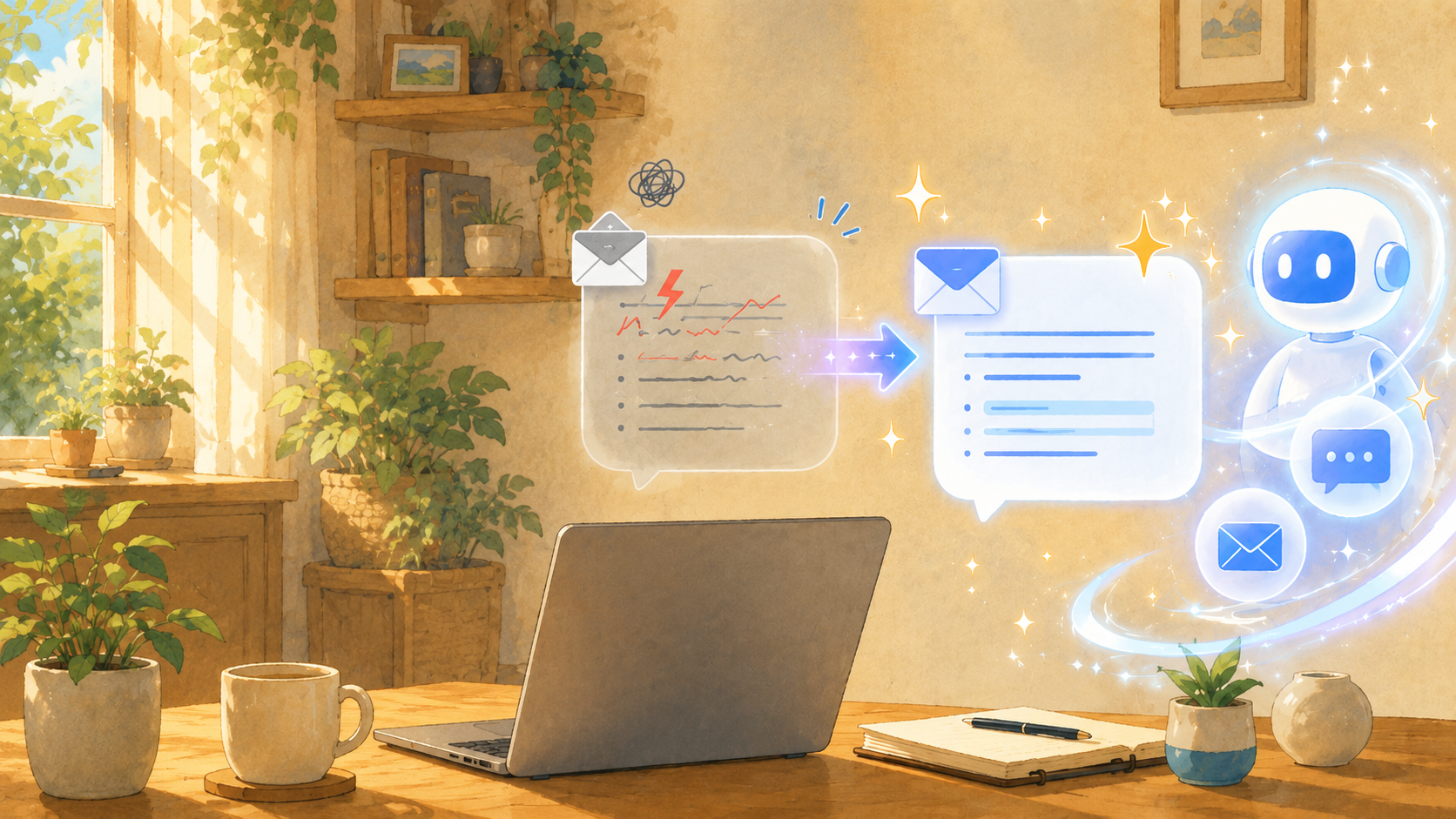
After writing an email, have you ever paused before sending it and wondered, "Does this sound rude?" or "Is this too cold?"
That small uncertainty is common, especially in work emails. Requests, follow-ups, refusals, apologies, and scheduling messages can all change in tone with just one phrase. A sentence that feels clear to you may feel abrupt to the reader. A message you intended to make polite may become too stiff, too indirect, or strangely distant.
This is where ChatGPT can be useful. OpenAI explains that ChatGPT can help with drafting, rewriting, summarizing, and adjusting text. For email writing, the best use is not to let ChatGPT replace your judgment, but to use it as a tone-checking assistant before you send the message.
This guide explains how to use ChatGPT to polish emails so they sound polite, natural, and appropriate for the situation. It also includes ready-to-use prompts for follow-up emails, refusal emails, apology emails, and internal workplace messages.
Give ChatGPT the recipient, purpose, and tone
The most important rule is simple: do not paste the email and say only, "Make this polite."
ChatGPT can produce much better wording when you explain who the email is for, why you are sending it, and how formal it should sound. In other words, give it the context a human editor would need.
For example, these details matter:
- The recipient is a client, coworker, manager, customer, or vendor.
- The email is a request, reminder, apology, refusal, or schedule adjustment.
- The tone should be warm, formal, brief, firm, apologetic, or neutral.
- You want to avoid sounding accusatory, pushy, defensive, or overly casual.
The benefit is that ChatGPT can catch wording that may sound too sharp, too vague, or too formal. For instance, "Please reply as soon as possible" may be clear, but in some situations it can feel demanding. A softer version might be, "I would appreciate it if you could review this when you have a chance."
The risk is that if you give too little context, ChatGPT may overcorrect. A friendly note to a close coworker may become a stiff corporate memo. A message that needs to be firm may become too soft to be useful.
Use this prompt as a starting point:
Please rewrite the email below so it sounds polite and natural for a business client. Keep it professional, but not too stiff. Avoid wording that sounds accusatory or pushy.
This kind of instruction gives ChatGPT enough direction to adjust the tone, not just replace words with more formal ones.
Ask for an impression check before rewriting
Before asking ChatGPT to rewrite your email, it can be more useful to ask how the message might come across.
That one step helps you understand the problem instead of simply receiving a new version. You may learn that the email sounds impatient, that the request is unclear, or that one sentence feels colder than the rest.
A good impression-check prompt is:
Please review this email from the recipient's point of view. Does it sound rude, cold, too direct, or pushy? Point out any phrases that may cause concern, then rewrite it in a more natural and polite tone.
This is especially useful for follow-ups. A sentence like "What is the status of this?" may be perfectly reasonable, but depending on the relationship, it can sound like blame. ChatGPT can help soften the wording while keeping the purpose clear.
Still, do not treat ChatGPT's judgment as final. Only you know the relationship, previous conversations, company culture, and urgency behind the message. Use the feedback as a second opinion, then make the final decision yourself.
Rewrite follow-up emails so they do not sound accusatory
Follow-up emails are easy to get wrong because the goal is often urgent, but the tone needs to stay calm.
The safest approach is to frame the message as a confirmation, not a complaint. Instead of implying "Why have you not replied yet?", make it clear that you are checking in so the work can move forward.
For example:
- Too direct: "I have not received your reply yet."
- Softer: "I wanted to follow up in case my previous message got buried."
- Clear but polite: "I am following up to confirm whether you have had a chance to review the details below."
If there is a deadline, do not hide it. Politeness should not make the message unclear. A good follow-up can be both respectful and specific:
I apologize for the short notice, but it would be helpful if you could confirm this by June 18.
Use this prompt:
Please rewrite the follow-up email below so it does not sound like I am blaming the recipient. Keep the tone polite and professional, but make it clear that I need a response by [date].
This prompt works because it gives ChatGPT two priorities at once: soften the tone and preserve the deadline.
Make refusal emails clear, kind, and not overly vague
Refusal emails need a careful balance. If the message is too blunt, it can feel cold. If it is too vague, the recipient may think there is still a chance.
A polite refusal usually needs three parts:
- Thank the person for the request or opportunity.
- Give a brief reason, without overexplaining.
- Offer an alternative or future possibility if one is appropriate.
For example:
Thank you for reaching out. Unfortunately, we are unable to take this on at the moment due to our current schedule. If the timeline changes in the future, we would be happy to discuss it again.
The important point is to be kind without creating false expectations. Phrases like "We will consider it" can be risky if you actually mean no. In that case, clearer wording is better:
We will have to decline this time.
or:
We are unable to accommodate this request at this time.
Use this prompt:
Please rewrite the refusal email below so it sounds respectful and natural. Include a thank-you, keep the reason concise, and suggest an alternative if possible. Do not make the refusal vague.
This helps ChatGPT produce a message that is polite but still honest.
Use ChatGPT carefully for apology emails
Apology emails need more caution than ordinary business emails.
ChatGPT can help organize the wording, but it should not decide responsibility, liability, compensation, or legal phrasing for you. If the issue involves contracts, money, customer complaints, personal information, damage, or possible legal exposure, check with a supervisor, legal team, or the appropriate department before sending.
A strong apology email is not just a long apology. It usually needs four parts:
- What happened
- A clear apology
- What you are doing now
- How you will prevent a repeat issue
For example, instead of repeating "We are very sorry" several times, it is often more helpful to explain what action is being taken:
We apologize for the delay. We are currently reviewing the cause and will send an updated timeline by tomorrow afternoon.
Be careful with wording that admits more than you know. If the cause is still under investigation, avoid phrases like "This was entirely our mistake" unless that has already been confirmed.
Use this prompt:
Please rewrite the apology email below so it sounds sincere, calm, and professional. Organize it in this order: facts, apology, corrective action, and prevention. Avoid wording that admits responsibility beyond the confirmed facts.
This prompt keeps the email composed while reducing the risk of making careless claims.
Do not paste personal or confidential information directly
Before using ChatGPT to rewrite an email, remove personal information and confidential business details.
Email text often contains more sensitive information than people realize: names, email addresses, phone numbers, company names, order numbers, invoice amounts, project names, attachment names, signatures, and quoted older messages.
You can usually keep the context without exposing the real details by replacing them with placeholders:
- "Mr. Taro Yamada" -> "Client A"
- "ABC Corporation" -> "Partner Company A"
- "Invoice amount: 123,456 yen" -> "Invoice amount: X yen"
- "Project Phoenix" -> "Project A"
Then use this prompt:
I have replaced personal names and company names with placeholders. Please rewrite the email below so it sounds polite, natural, and appropriate for a business partner.
This keeps the writing task clear while reducing unnecessary exposure of private or confidential information.
Ready-to-use ChatGPT prompts for email writing
The easiest way to use ChatGPT well is to save a few purpose-specific prompts. You do not need a long prompt every time. A clear short prompt is usually enough.
General email polish
Please rewrite the email below so it sounds polite, natural, and professional. Keep the meaning the same. Make it warm but not too casual, and avoid making it overly formal.
Subject line and email body
Please improve the email below and suggest three subject lines. The tone should be polite, clear, and suitable for a business recipient.
Follow-up email
Please rewrite the reminder email below so it does not sound pushy or accusatory. Keep the tone polite, but make the request and deadline clear.
Refusal email
Please rewrite the decline email below so it does not sound cold. Include appreciation, a concise reason, and a phrase that leaves the door open for future collaboration if appropriate.
Apology email
Please rewrite the apology email below so it sounds sincere and composed. Make sure it does not sound like an excuse. Clearly state the facts, apology, and next action.
Internal workplace email
Please rewrite the internal email below so it sounds natural and professional. The recipient is someone I work with closely, so avoid making it too formal, but keep it respectful.
Shorter and clearer version
Please make this email shorter and easier to read while keeping the tone polite and professional.
Tone check only
Please do not rewrite the email yet. First, tell me how this may sound to the recipient and point out any parts that may feel rude, cold, vague, or too strong.
The final prompt is useful because it slows the process down. Instead of accepting a rewritten version immediately, you can understand what needs to change.
Final check before sending
Even after ChatGPT rewrites the email, do one final human check before sending it.
Look for these points:
- Is the recipient's name correct?
- Is the request clear?
- Is the deadline correct?
- Does the tone match the relationship?
- Are there any facts ChatGPT changed by accident?
- Is there any confidential information that should be removed?
- Does the email still sound like something you would actually send?
That last question matters. A perfectly polished email can still feel strange if it no longer sounds like you. The best ChatGPT-assisted email should be cleaner, clearer, and more considerate, but it should still match your voice and the real situation.
Summary
To use ChatGPT for polite email writing, do not just ask it to "make this better." Tell it the recipient, purpose, tone, and what you want to avoid.
For follow-ups, ask ChatGPT to remove accusatory wording while keeping the deadline clear. For refusals, include appreciation, a brief reason, and a possible alternative. For apologies, organize the facts and next steps, but do not let ChatGPT decide responsibility for you. For all email types, remove personal and confidential information before pasting text into the chat.
If you want to try it now, take one old email, replace any sensitive details with placeholders, and use this prompt:
Please check whether this email sounds rude, cold, or pushy. Then rewrite it so it sounds polite, natural, and professional without changing the meaning.
Small wording choices can create big differences in how an email feels. Used carefully, ChatGPT can be a practical second set of eyes before you hit send.