ChatGPT's New Image Generation and Editing: What Is Possible as of December 2025
A clear look at ChatGPT's latest image generation and editing tools: what works, what does not, and practical ways to use them as of December 2025.
Introduction
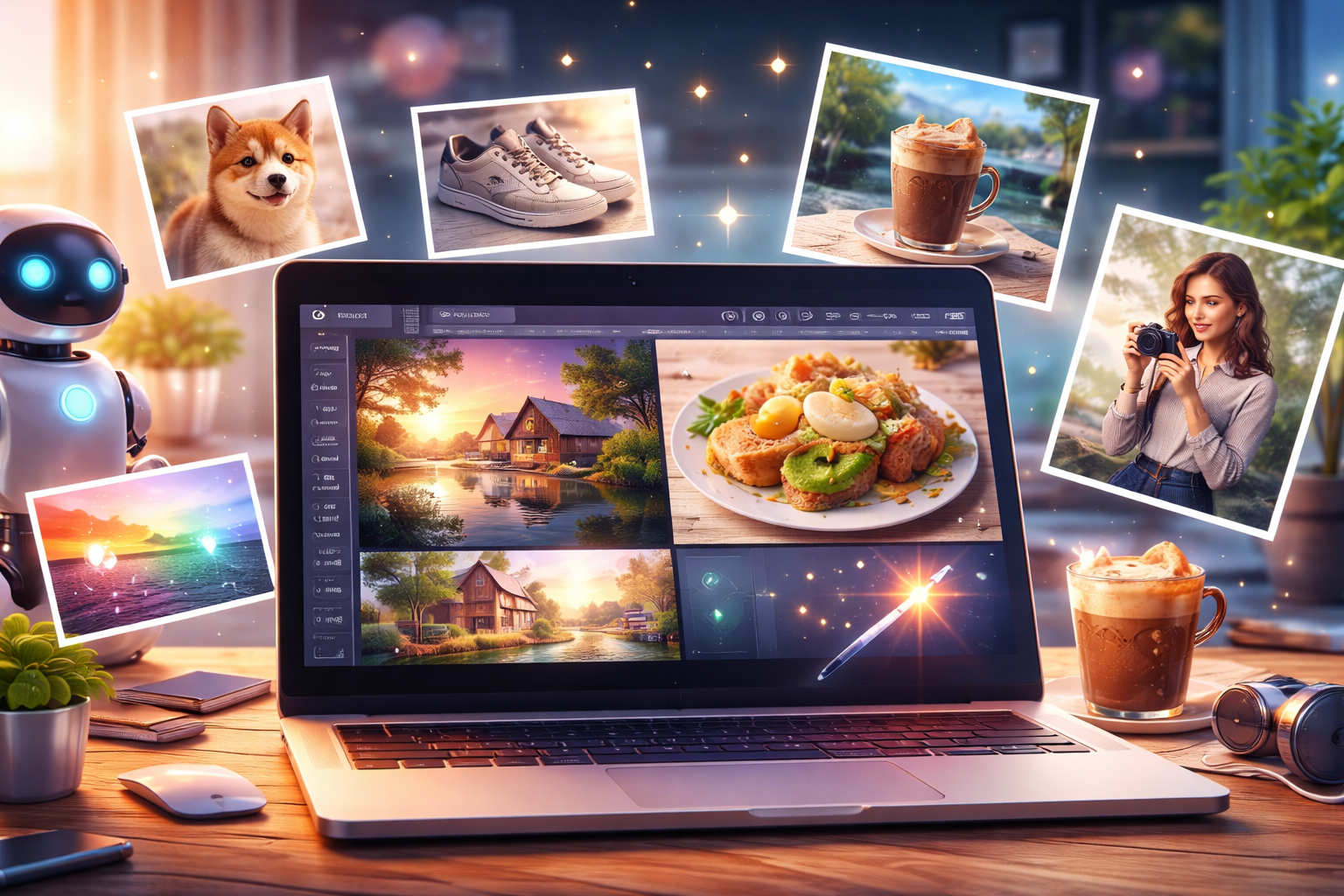
ChatGPT's image capabilities have taken a noticeable leap. A tool once seen as text-first now lets you generate and edit images naturally within the same chat window.
Behind this change is OpenAI's latest GPT Image-based model. It is built not only to output an image once, but to create while conversing and to fix details afterward.
This article calmly reviews what is now possible and what remains difficult with ChatGPT's new image features as of December 2025, so you can plan realistic workflows.
What is new in ChatGPT image features
High-precision image generation from text
ChatGPT's Images function can generate visuals from natural Japanese or English text. Abstract requests such as "a calm indoor photo" or "a realistic shot taken in an autumn park" show up with stable quality. You no longer need specialized prompt engineering—plain, everyday language often works.
Editing existing images in natural language
After you upload an image, you can ask in natural language to:
- Remove a specific part of the image
- Make the whole frame slightly darker
Edits like "erase this object" or "tone down the brightness overall" are handled conversationally. Extremely precise retouching is still hard, but quick corrections and mood changes are practical.
Freedom to specify composition, style, and atmosphere
You can describe subject placement, camera angle, and background mood together in words. No detailed numeric settings or specialist terms are required, so iteration is faster.
Improved text representation and consistency in images
Text inside images—once prone to breaking—now renders more reliably for short words and simple lettering. Sets of images generated on the same theme also stay more consistent than before.
How it differs from conventional image generators
Comprehension of Japanese instructions
The image function is tuned to grasp long Japanese descriptions and added constraints. Conditions like "do not draw people," "make it realistic," or "keep the background simple" are reflected with good accuracy.
Design with the assumption that revisions will be made
Instead of aiming for a perfect one-shot, the flow assumes generate → suggest → correct. ChatGPT combines image generation with its conversational core, making iterative revisions feel natural.
Practical ways to use it
Eye-catching images for blogs and web media
Describe the article topic and tone, and generate a landscape image that matches. This saves time searching for stock photos and helps articles stand out in search and social feeds.
Creating images of products, food, and accessories
Even without real photos, you can create convincing visuals from descriptions. Useful for product planning, menu drafts, or sharing a concept with stakeholders.
Change the atmosphere of a photo and remove unnecessary objects
Upload an existing photo to adjust colors or remove unwanted items. For light retouching, you may not need separate editing software.
Illustrations for SNS visuals and documents
Fast, easy-to-understand visuals work well for social posts and presentation slides, especially when you need multiple variations to test engagement.
Cautions and current limitations
Where it still struggles
- Long text placed with pixel-perfect accuracy inside the image
- Exact replicas of specific brands or logos
- Perfect reproduction of complex compositions in a single pass
These cases still require adjustment or multiple revision rounds.
Commercial use
For commercial use, always check the latest OpenAI Terms of Use and policies. Pay special attention to depictions of people and anything resembling existing designs or trademarks.
Possibility of Specification Changes
Image models and behaviors are updated continuously. What works today may change, so confirm the current capabilities before critical use.
Summary
ChatGPT's latest image generation and editing features make it possible to finish an image by talking through what you want. This lowers the barrier for people who prefer words over design tools and need on-demand visuals for blogs or documents.
It is not a cure-all. Knowing both the strengths and limits helps you avoid surprises and get reliable output. As the model evolves, keep an eye on updates and recheck how it handles your workflow.