ChatGPT New Features in April 2026: GPT-5.4 Thinking, File Library, and More
ChatGPT's biggest updates as of April 5, 2026, explained in plain English: GPT-5.4 Thinking, deep research upgrades, File Library, shopping tools, CarPlay, and interactive learning.
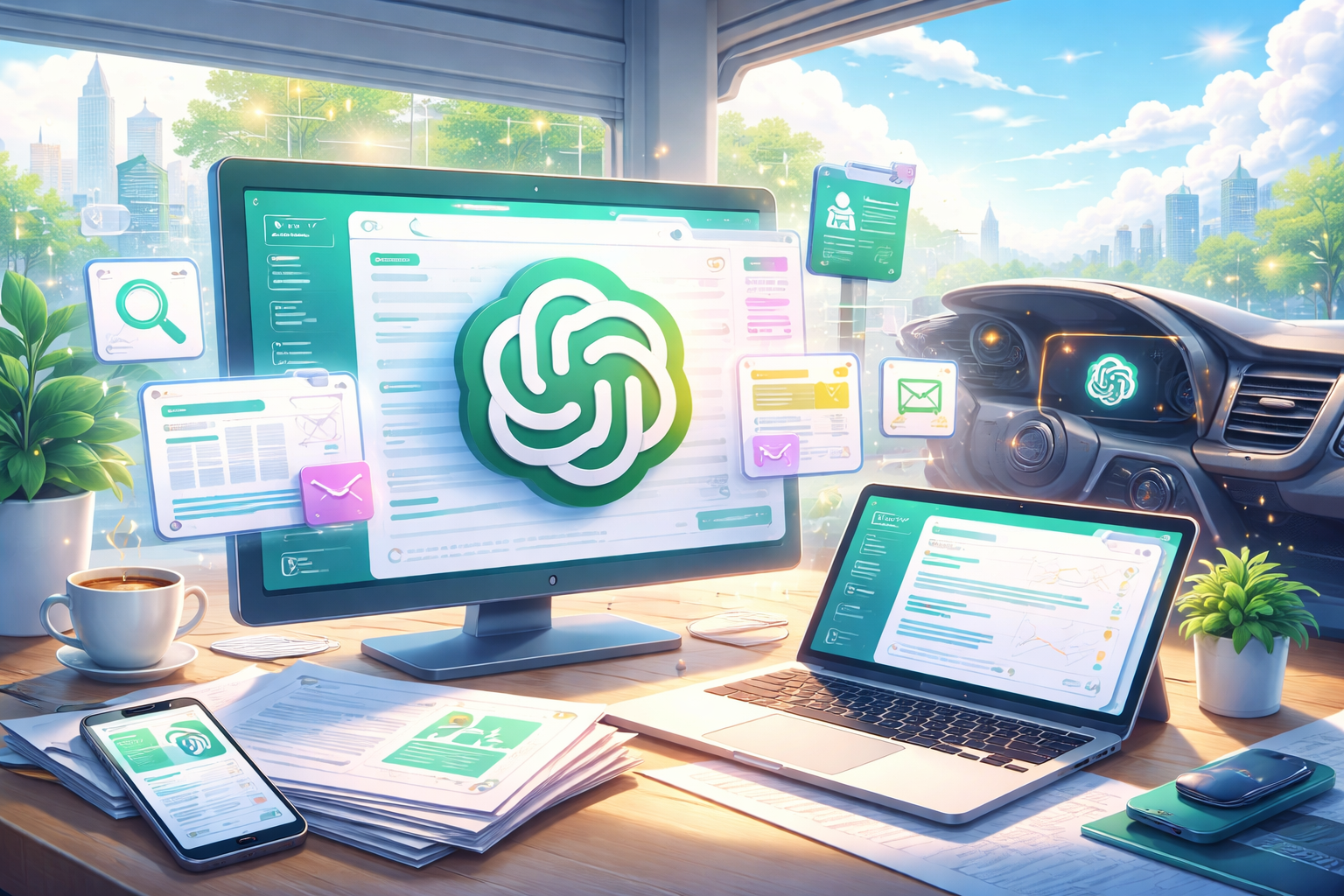
If ChatGPT suddenly feels different in 2026, you are not imagining it. OpenAI has changed the model lineup, upgraded deep research, added a File Library, improved shopping results, and started rolling out Apple CarPlay support in a short span of time.
This article explains the biggest ChatGPT updates available as of April 5, 2026, based on official OpenAI release notes, help articles, and blog posts. The short version is simple: ChatGPT is becoming less of a one-answer chatbot and more of a practical workspace for research, writing, files, and decision-making.
ChatGPT new features in April 2026: the short answer
If you want the main takeaway first, these are the changes that matter most:
- the model picker is now easier to understand, with Instant, Thinking, and Pro as the main choices
- GPT-5.4 Thinking has become the flagship reasoning model for harder work
- deep research gives you more control over research plans and trusted sources
- File Library makes uploaded files much easier to reuse
- shopping results are more visual and easier to compare inside ChatGPT
- ChatGPT is expanding into daily use cases like CarPlay and interactive learning
For beginners, the practical rule is this:
- use Instant for fast, everyday tasks
- use Thinking for comparison, research, and longer writing
- use deep research when you need a sourced answer
- use File Library when you want to build on documents you already uploaded
The biggest shift: ChatGPT now feels more like a work tool
As of April 2026, the most important change is not one feature by itself. It is the product direction.
Recent updates make ChatGPT feel more like a place where you do real work: read materials, compare options, draft content, organize files, and refine decisions without constantly jumping between separate apps.
That is why many people feel that ChatGPT now behaves less like a conversation-first AI and more like a general-purpose work assistant.
The model picker is simpler, and GPT-5.4 Thinking is the key model
One of the most important updates happened around model selection.
According to OpenAI's release notes, GPT-5.1 models were removed from ChatGPT on March 11, 2026. Existing chats using GPT-5.1 were moved to the current equivalents: GPT-5.3 Instant, GPT-5.4 Thinking, and GPT-5.4 Pro.
Then, on March 17, 2026, OpenAI simplified the model picker. Instead of making users think in terms of many technical model names, ChatGPT now emphasizes three clearer choices:
- Instant for fast answers and everyday use
- Thinking for deeper reasoning and more complex tasks
- Pro for the most advanced reasoning, depending on plan access
This is good news for beginners. You no longer need to memorize every model name to get useful results. In most cases, you only need to choose the level of reasoning that matches the task.
What each option is best for
- Instant works best for quick questions, light summaries, simple rewrites, and everyday productivity.
- Thinking works best for planning, comparisons, long-form writing, research organization, and tasks that need a more careful process.
- Pro is for users who need the highest-end reasoning and have access to it, but most beginners do not need to start there.
The main caution is that availability still depends on your plan, region, account type, and device. Two users may not see exactly the same options.
GPT-5.4 Thinking is the most meaningful model update
OpenAI added GPT-5.4 Thinking to ChatGPT on March 5, 2026, and this is arguably the most important model change of the spring.
What makes it important is not just raw capability. According to OpenAI, GPT-5.4 Thinking combines advances in reasoning, coding, and agentic workflows and works better across tools, software environments, and professional tasks involving documents, spreadsheets, and presentations.
In ChatGPT, it can also show an upfront plan while it is working. That matters because it becomes easier to correct direction in the middle of the response instead of waiting until the end and starting over.
This makes GPT-5.4 Thinking especially useful for tasks like:
- comparing products or services with multiple conditions
- building a blog post outline from rough ideas
- organizing notes from several sources
- planning a project step by step
- working through drafts that need structure, not just wording
The tradeoff is speed. Thinking usually takes longer than Instant, and it is still not a substitute for source verification when the topic involves prices, dates, rules, or other time-sensitive facts.
Deep research is more controllable than before
Another major improvement is deep research.
OpenAI's February 2026 updates made deep research more useful in a practical sense. You can now create and edit a research plan before the run starts, and you can adjust direction while it is in progress. OpenAI also describes deeper control over trusted inputs, including the ability to focus research on specific sites and connected apps.
For beginners, the easiest way to understand this is:
Deep research is not just "search, but longer." It is a more structured mode for collecting, checking, and synthesizing information from multiple sources.
It is especially useful when you want to:
- compare products, tools, or services using several criteria
- summarize a topic using primary or trusted sources
- research institutions, public systems, or official announcements
- combine web information with material from connected apps
It is less useful for casual chat or tiny questions that do not need evidence.
The main caution is that deep research access still varies by plan and rollout status. Depending on your account, you may also see different source options.
File Library makes past uploads much more reusable
The File Library update, announced on March 23, 2026, is one of the most practical improvements for everyday work.
ChatGPT can now save uploaded or created files into a Library, making it easier to find and reuse materials such as PDFs, spreadsheets, images, notes, and drafts later. Instead of re-uploading the same file again and again, you can return to it and continue working from there.
This matters more than it may sound at first. A lot of AI workflows break down because useful files disappear into old conversations. File Library reduces that friction.
It is especially helpful for:
- blog research notes and article drafts
- meeting notes, quotes, and comparison tables
- PDFs you want to ask follow-up questions about later
- recurring work materials you use across multiple chats
There are still limits. Temporary Chat files are not saved, and availability varies by plan, region, and device. OpenAI's guidance around launch also made it clear that the experience is centered on the web, with more limited mobile access.
Shopping in ChatGPT is more visual and easier to compare
OpenAI announced a shopping upgrade on March 24, 2026, and it is one of the clearest examples of ChatGPT moving from "answering" to "helping you decide."
The improved shopping experience makes product results more visual, more relevant, and easier to compare inside the conversation. OpenAI also describes better support for refining criteria through dialogue, comparing products side-by-side, and using images to find visually similar items.
For beginners, the big change is this:
It is no longer just about asking, "What should I buy?" It is now much easier to say what matters to you and narrow the list interactively.
This works best when you specify:
- your budget
- your top priorities
- the exact items you want compared
- any deal-breakers such as weight, ports, size, or brand limits
Even so, ChatGPT should still be the comparison layer, not the final checkout layer. Before buying anything, you should confirm the final price, stock, shipping, warranty, and return policy on the seller's page.
Everyday use is expanding with CarPlay and interactive learning
Two other updates show how ChatGPT is expanding beyond the traditional chat window.
On April 2, 2026, OpenAI announced the rollout of ChatGPT in Apple CarPlay. If you are using iOS 26.4 or later with a supported car, you can start a new voice conversation from CarPlay or resume one from the ChatGPT mobile app.
This is an important signal even if not everyone uses it. It shows that ChatGPT is becoming more available in hands-free, on-the-go situations.
On March 10, 2026, OpenAI also announced interactive learning modules for certain math and science topics. These modules let users manipulate formulas and variables in real time and launch with more than 70 topics.
For many beginners, the learning tools are likely to matter more often than CarPlay. They make ChatGPT feel less like a static explainer and more like a tool for active understanding.
The caution with both features is the same: rollout and compatibility matter. CarPlay depends on supported hardware and software, and interactive learning is limited to specific topics.
How beginners should use ChatGPT now
If all of this sounds like a lot, the simplest approach is to match the tool to the job.
Here is a practical starting point:
- use Instant for fast questions, short rewrites, and quick summaries
- use Thinking for difficult comparisons, planning, and long-form writing
- use deep research when you need a sourced answer across multiple inputs
- use File Library when your work depends on documents you want to revisit
- use shopping tools when you want to compare products by conditions
If you are new to ChatGPT, you do not need to learn every feature at once. You will get better results by learning one clear pattern at a time.
The three most useful beginner workflows right now are:
- turn rough notes into a clean outline
- compare two or three options with explicit priorities
- upload a document and ask for key points, risks, and next actions
What is still unclear in April 2026
One thing has not changed: feature access is still uneven.
Many of the biggest ChatGPT updates are rolling out gradually or vary by plan, region, web vs. mobile, and consumer vs. business account type. That means it is completely normal to read about a feature and not see it yet on your own screen.
So if you want the safest conclusion as of April 5, 2026, it is this:
ChatGPT is clearly becoming more useful for real work, but the exact experience still depends on where and how you use it.
Final takeaway
The biggest ChatGPT story in April 2026 is not just GPT-5.4 Thinking, File Library, shopping, or CarPlay by themselves. It is that these updates all push in the same direction.
ChatGPT is turning into a broader AI workspace: one place to think, research, compare, draft, and reuse information. If you are a beginner, the best way to adapt is not to memorize every feature name. It is to understand which mode is best for which kind of work.
If you do that, the 2026 version of ChatGPT becomes much easier to use.