Why Search Console and GA4 numbers rarely match, and how to read them correctly
Explains why Search Console and GA4 metrics seldom line up, covering differences in definitions, measurement scope, privacy impacts, filters, and time zones, and shows how to compare them without getting misled.
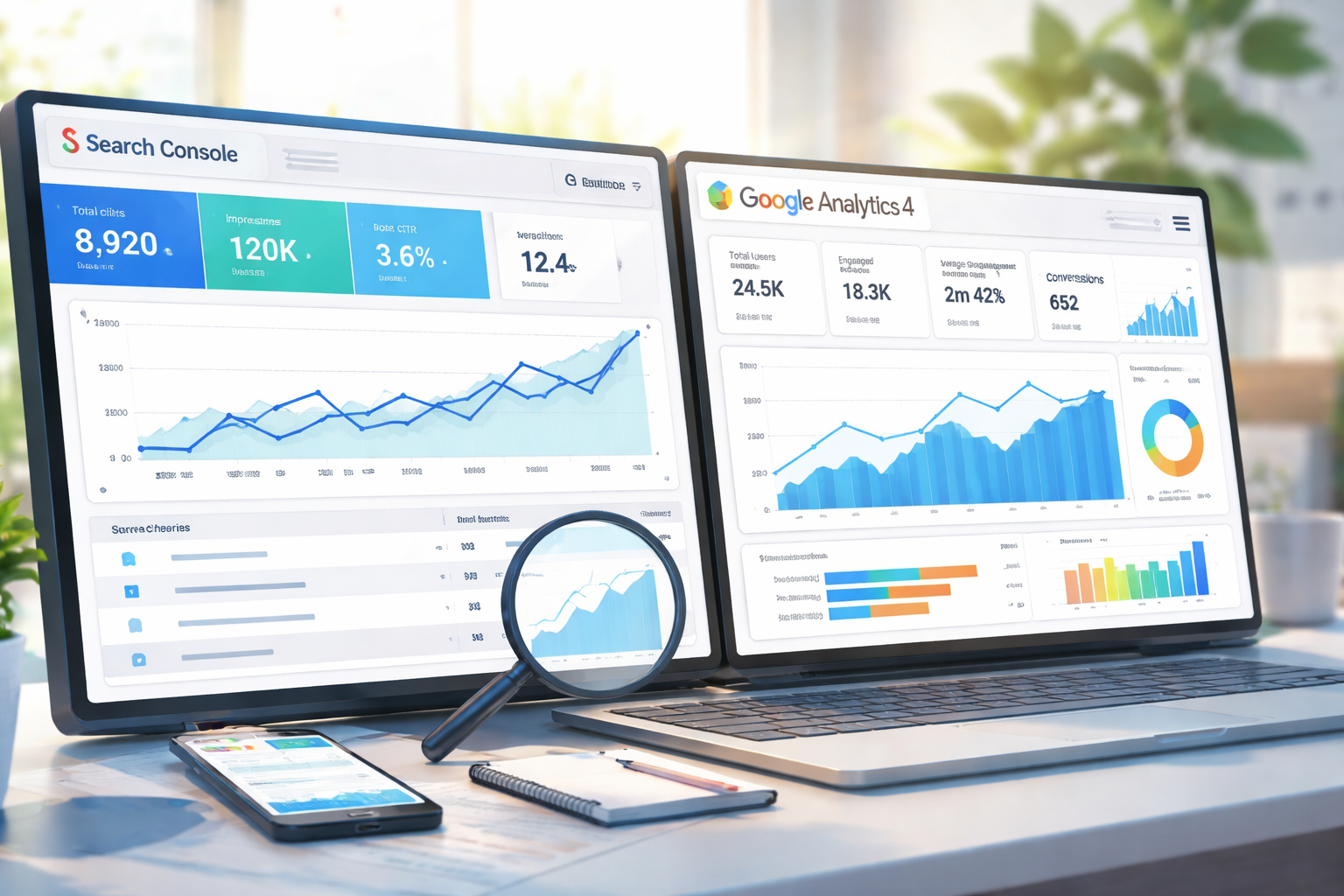
Have you compared Search Console and GA4 only to see clicks and sessions disagree, leaving you unsure which to trust? The mismatch is almost always intentional, not a bug.
This article breaks down the specification differences that create those gaps and shows how to interpret each tool in practice.
What each tool measures
Search Console focuses on the search results page
- Impressions in Google Search
- Clicks on your result
- Queries
- Average position
It only reports what happened on the search results page.
GA4 focuses on what happens after the click
- Sessions
- Page views
- Engagement
- Conversions
It measures on-site behavior after a page actually loads. From the outset, the two tools are not meant to show the same numbers.
Why the numbers differ
1) Metric definitions are not the same
- Click (Search Console): a user presses your result in Google Search.
- Session (GA4): a visit where the page loads and the GA4 tag fires.
If someone clicks but backs out before the page loads, loses connection, or closes the tab quickly, it will count as a click but not as a session.
2) GA4 depends on JavaScript and cookies
GA4 can miss visits when:
- JavaScript is disabled
- Cookies are rejected
- Ad/tracker blockers are active
- Browser or OS privacy settings block requests
Search Console uses Google search logs, so it is unaffected. Result: Search Console often shows larger counts.
3) The traffic scope is different
Search Console covers only Google Search traffic. GA4 includes all channels:
- Search
- Social
- Direct
- Ads
- Email, and more
Comparing totals will never align. If you must compare, filter GA4 to Organic Search.
4) Filtering and exclusions differ
GA4 may exclude:
- Known bots
- Internal traffic
- Unwanted or spammy hits
Search Console does not apply the same exclusions, which creates another gap.
5) Time zones and aggregation timing
- Search Console: data posts with a delay of a couple of days and uses Google's fixed time zone.
- GA4: uses your property time zone and updates close to real time.
Even with the same date range, daily totals will not match exactly.
How to compare them sensibly
Do not compare
- Search Console clicks vs. GA4 total sessions (apples to oranges)
Better approach
- Use Search Console to watch click trends and query/position changes.
- Use GA4 (filtered to Organic Search) to watch sessions and engagement from search traffic.
Focus on trends and changes, not on forcing the numbers to be identical.
Summary
- Search Console and GA4 serve different roles; mismatched numbers are expected.
- Clicks and sessions measure different moments in the journey.
- GA4 can undercount due to blockers, privacy settings, and engagement thresholds.
- Different scopes, filters, and time zones also create gaps.
- Use Search Console to gauge search strength; use GA4 to read on-site behavior.
Understanding these built-in differences lets you interpret both tools calmly and act on the right signals instead of chasing perfect alignment.